Questions before you join
Plain answers, before launch.
Who Pesvaro is built for, how a device is opened and checked, who sets the thresholds, what goes into the IPM Audit Package and when it reaches your client, how the trial works. Each answer links to the page that covers the topic in depth.
Pesvaro in a minute
What is Pesvaro?
Software for commercial pest control and IPM companies. Pesvaro is built to hold every client, facility, area and device on one map, to record each inspection device by device — the QR scan, the activity level, findings, treatments and corrective actions — to draw activity against the thresholds you set, and to compile all of it into the IPM Audit Package your client hands its auditor. Scheduling, Service Proposals, Service Invoices and payments sit on the same record.
Who is it built for?
Independent pest control companies with commercial accounts, and the people in them: owners, technical and QA leads, route technicians and account managers. Their clients are food processing plants, warehouses and distribution centers, restaurants and food service groups, hospitals and hotels.
Is it for homeowners or residential routes?
No. Pesvaro isn’t built for home pest problems, DIY treatment or door-to-door residential service. It keeps the record of a company whose commercial clients answer to auditors.
Is it for a plant’s own QA or facilities team?
Pesvaro is made for the pest control company, not the facility that hires it. A plant, hotel or hospital looking for a provider won’t find one listed or recommended here.
Which kinds of accounts are covered in more depth?
Three settings have their own pages, each built on what that client type asks of you: food processing plants, warehouses and distribution centers, and restaurants and food service.
Food processing plantsWarehouses and distributionRestaurants and food service
Devices, scans and activity levels
How does a technician open a device?
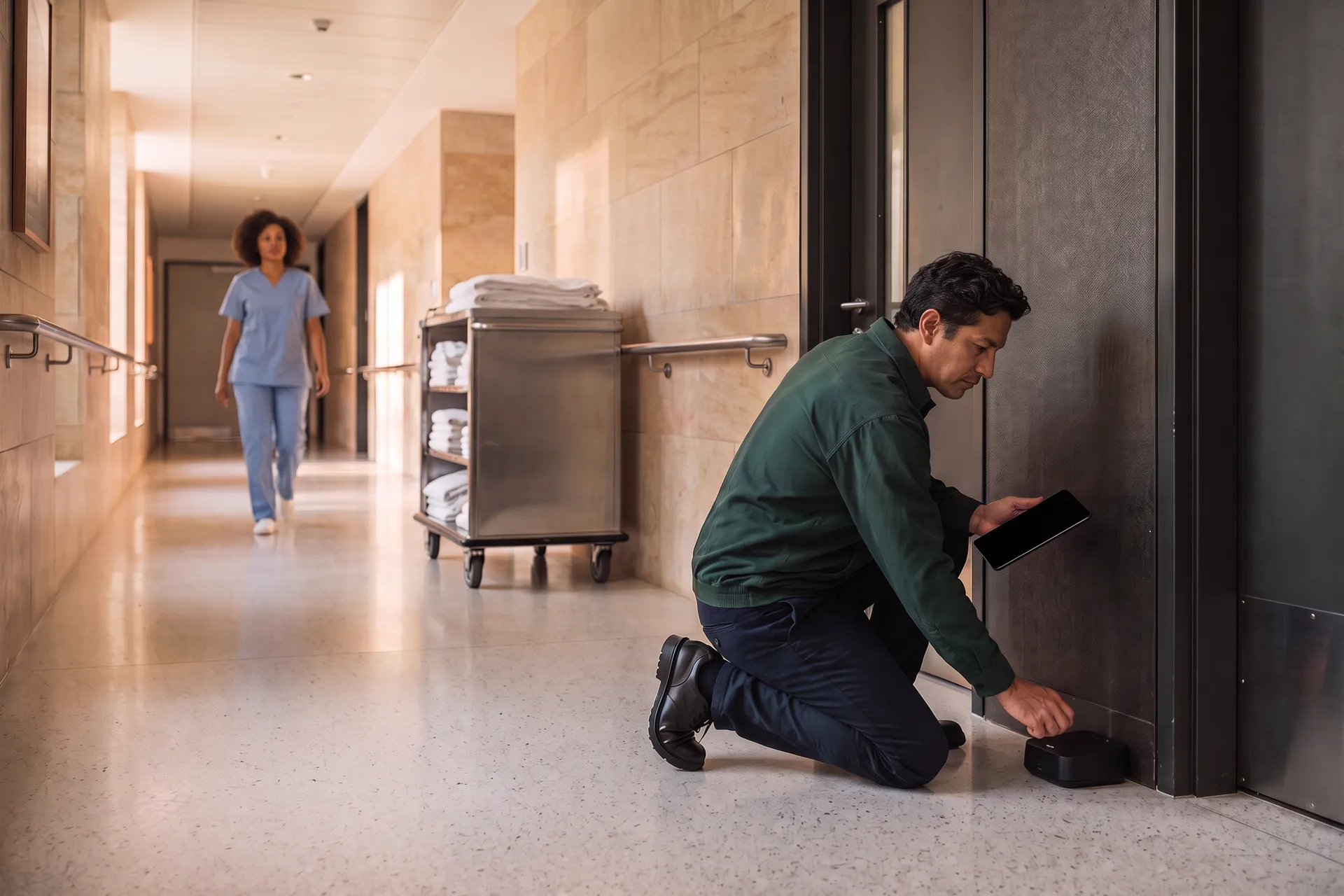
By scanning the QR tag on the device. Its record opens in place — area, device type, placement, last check and photos — so the inspection starts at the station, not on an empty screen. A device can also be picked from the facility’s map or list.
Which devices can be tracked?
Bait stations, multi-catch and snap traps, glue boards, pheromone monitors for stored-product insects and insect light traps — each with its own place on the map, its status and its service history.
Are activity thresholds built in?
No numbers are built in. Activity is logged as a level — none, low, moderate, high or critical — and you set the threshold for each area of each facility, as your program and your client’s risk assessment define it. A level at or above the threshold is flagged by fixed rules, never by AI.
What happens when a device goes missing or is damaged?
You set what each area should carry once — how many stations, traps, monitors and fly lights. When a device is marked missing or damaged, the area shows below spec until it is replaced, and the replacement is recorded at the inspection.
What do terms like device map, corrective action or trend analysis mean?
The glossary defines the words an audit file is written in, each with a short answer first.
The IPM Audit Package
What goes into the IPM Audit Package?
What was documented, for the period you choose: the current device map, every inspection report, findings and their corrective actions to closure, treatment records, activity trends against the facility’s thresholds, evidence photos, and the scope of service and credentials you keep on file — with a summary drafted by AI that you edit before anything goes out.
Does it make my client’s facility compliant or certified?
No. Audit packages compile your documented activity in formats commonly requested by auditors. Pesvaro does not certify audit compliance — the program, the treatments and the results stay yours and your client’s.
Does the package go to my client automatically?
Never by itself. It leaves only when you send it — at the client’s request, at will, or to a schedule you set for that client — under your company’s name, as an emailed PDF or a web link.
Which audits is it prepared for?
The files your clients are asked for at AIB, SQF and BRCGS audits and HACCP reviews: an accurate device map, a report after each visit, treatment records, trend analysis and corrective actions. What the auditor accepts is between your client and its auditor.
The rest of the working week
Can I schedule recurring rounds and call-outs?
Yes. Set each facility’s rhythm once on the Inspection Calendar — monthly exterior rounds, more frequent interiors, light traps through the season — assign the technician, and fit a call-out in when a client rings.
Can I send Service Proposals, take deposits and invoice?
Yes. Price a proofing job or a Prevention Plan in a Service Proposal and let the client approve it online; request a deposit if the job calls for one, then issue the Service Invoice when the work is finished. Every payment stays on the record.
Can my client log in?
No. Your client sees only what you send: the IPM Audit Package, Service Proposals, Service Invoices and, when you choose, a job’s Work Record — by email or as a web link.
Does it work on a phone, and without a signal?
Pesvaro works in a web browser — phone, tablet or computer — so the record is written at the device. Each entry needs a connection to save; it isn’t built for offline rounds.
Launch, trial and founding access
Is Pesvaro live today?
Not yet; launch is close. What you read here is what Pesvaro is built to do at launch, and every scene uses an invented client and sample data.
Will there be a free trial?
Yes. At launch, The Operation can be tried free for 14 days: up to five users and 750 AI interactions, no credit card needed. Live payments unlock when you upgrade. Should the AI interactions run out, the rest of Pesvaro stays usable, and voice and commands are restored when you choose a plan. After the 14 days, the workspace turns read-only until a monthly or yearly plan is chosen.
Does claiming early access bind me to anything?
Nothing beyond hearing from us. Once your address is confirmed, launch news arrives by email, and you can unsubscribe at any time. No account is created.
Which languages will it speak?
Pesvaro is built in English, Spanish, Brazilian Portuguese and French, like this site.
Your details and your data
What information is collected when I claim early access?
Only your name and work email, which you give by consent and which are treated as the privacy notice sets out. A confirmation email checks your address before anything else is sent.
Who can see my company’s records?
Only your company and the people you invite onto your team. A client sees nothing beyond what you send.
Pesvaro keeps the record your client’s auditor reads. It does not certify audit compliance, and the program and its results stay yours.
Founding access
Something still unanswered? Start with founding access.
Founding access is open to commercial pest control and IPM companies. Tell us about your accounts, and we’ll send the launch news first.
Launching with a 14-day free trial. No card needed.