
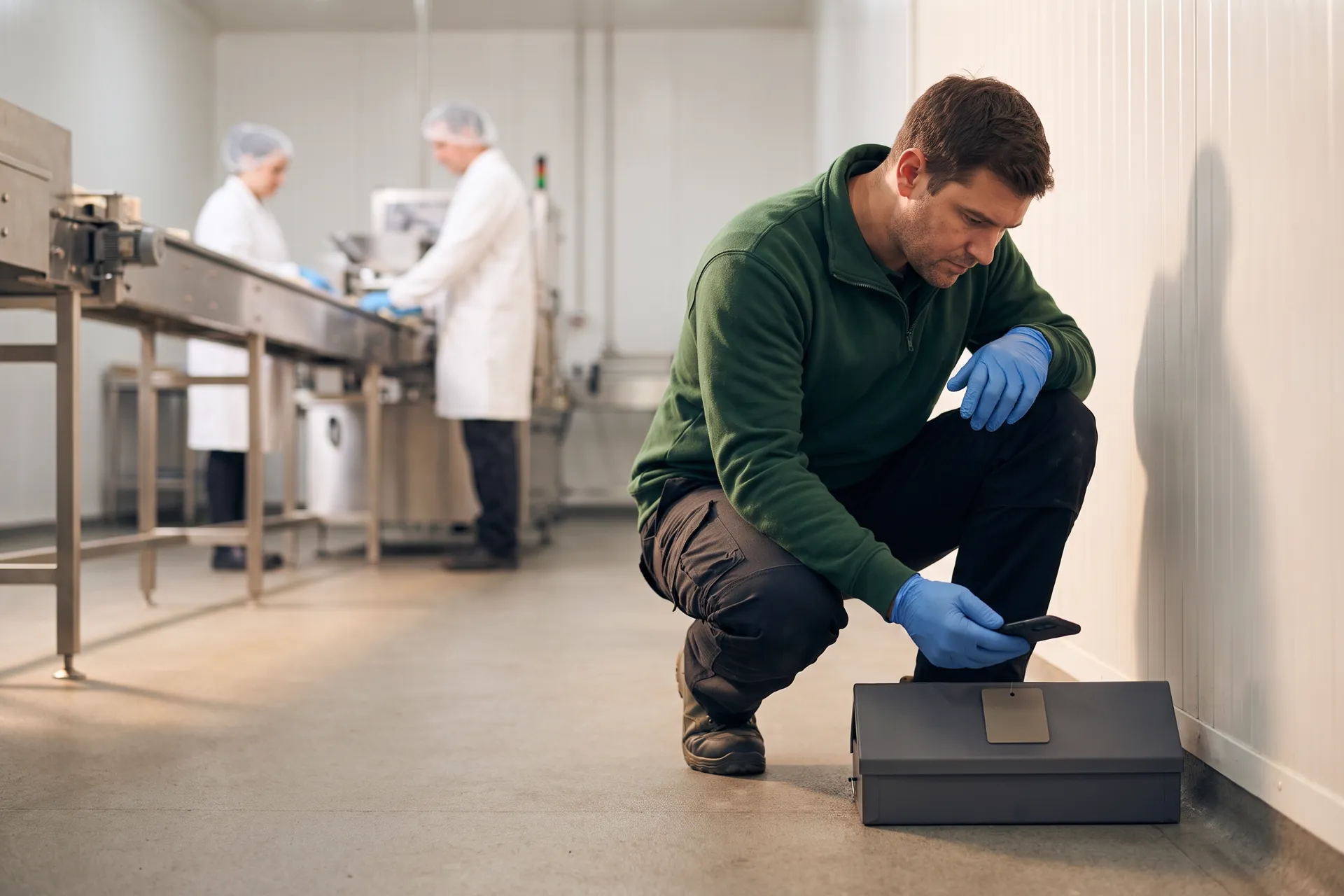
Pesvaro’s own features
Every station on the map. Every visit on the record.
Pesvaro is built to keep your client’s device network as a living map: each bait station, trap, monitor and fly light opened by a QR scan, its activity level logged at every inspection, findings followed to closed — and all of it compiled into the IPM Audit Package your client hands its auditor.
The device network
Client, facility, area, device — the way your technicians already think.
Each client holds its facilities; each facility its areas; each area its devices. Pesvaro is built to keep that structure, so a device is never a line in a spreadsheet — it is a station on a map, with its own history.
Client
- Larkmoor Foods3 facilities
Facility
- Bakery plant5 areas
- Distribution center4 areas
- Head office kitchen2 areas
Area
- Exterior perimeter
- Loading dock
- Dry storage
- Production hall
- Packing
Device
- DS-01 · Multi-catch trap
- DS-02 · Pheromone monitor
- DS-03 · Multi-catch trap
- DS-04 · Pheromone monitor
Device recordDS-02 · Pheromone monitorActive
- Area
- Dry storage
- Placement
- Rack 3, upright B, chest height
- Installed
- March
- Last checked
- Tuesday 07:58
Photo timeline
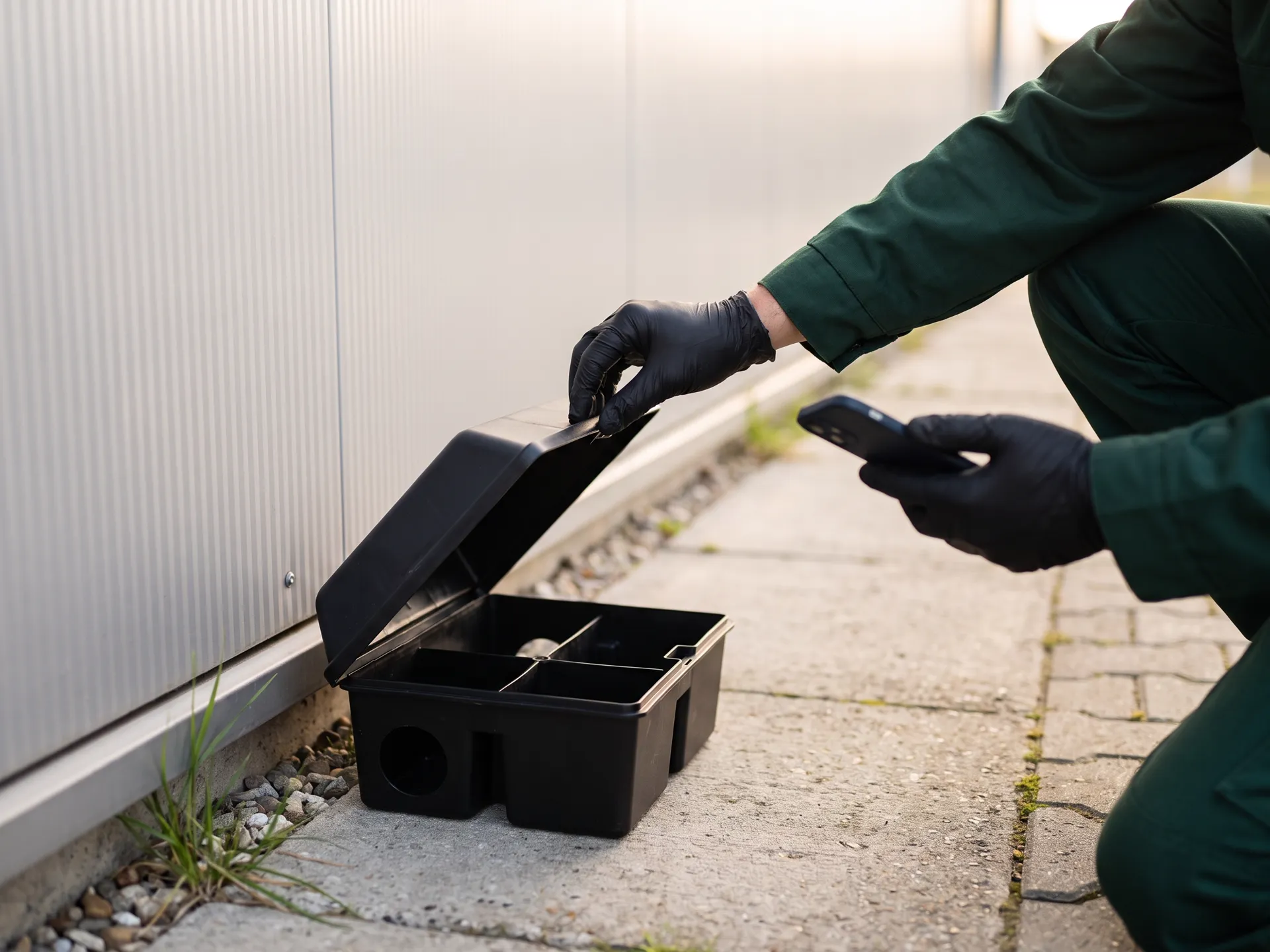
Illustration · invented client · sample data
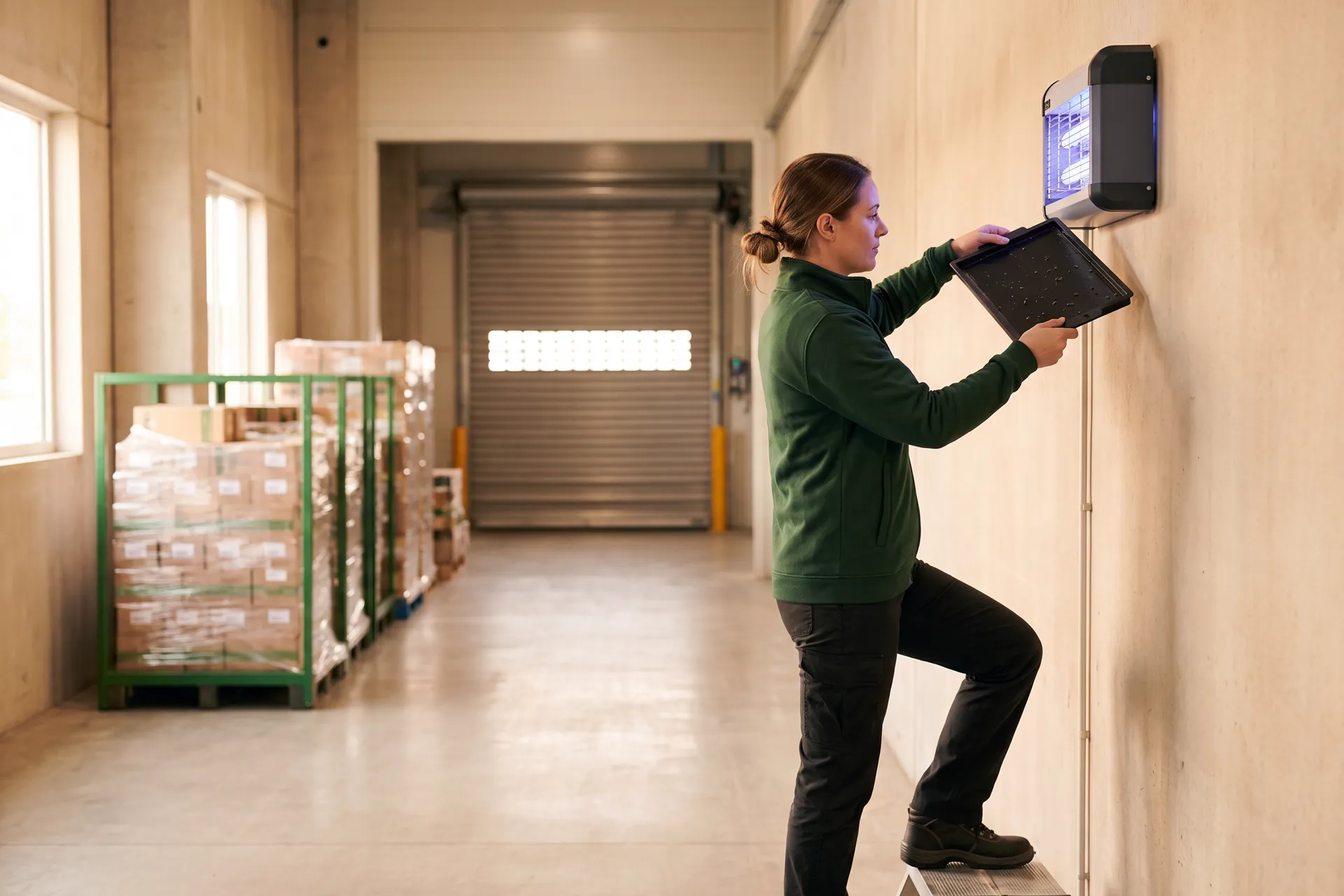
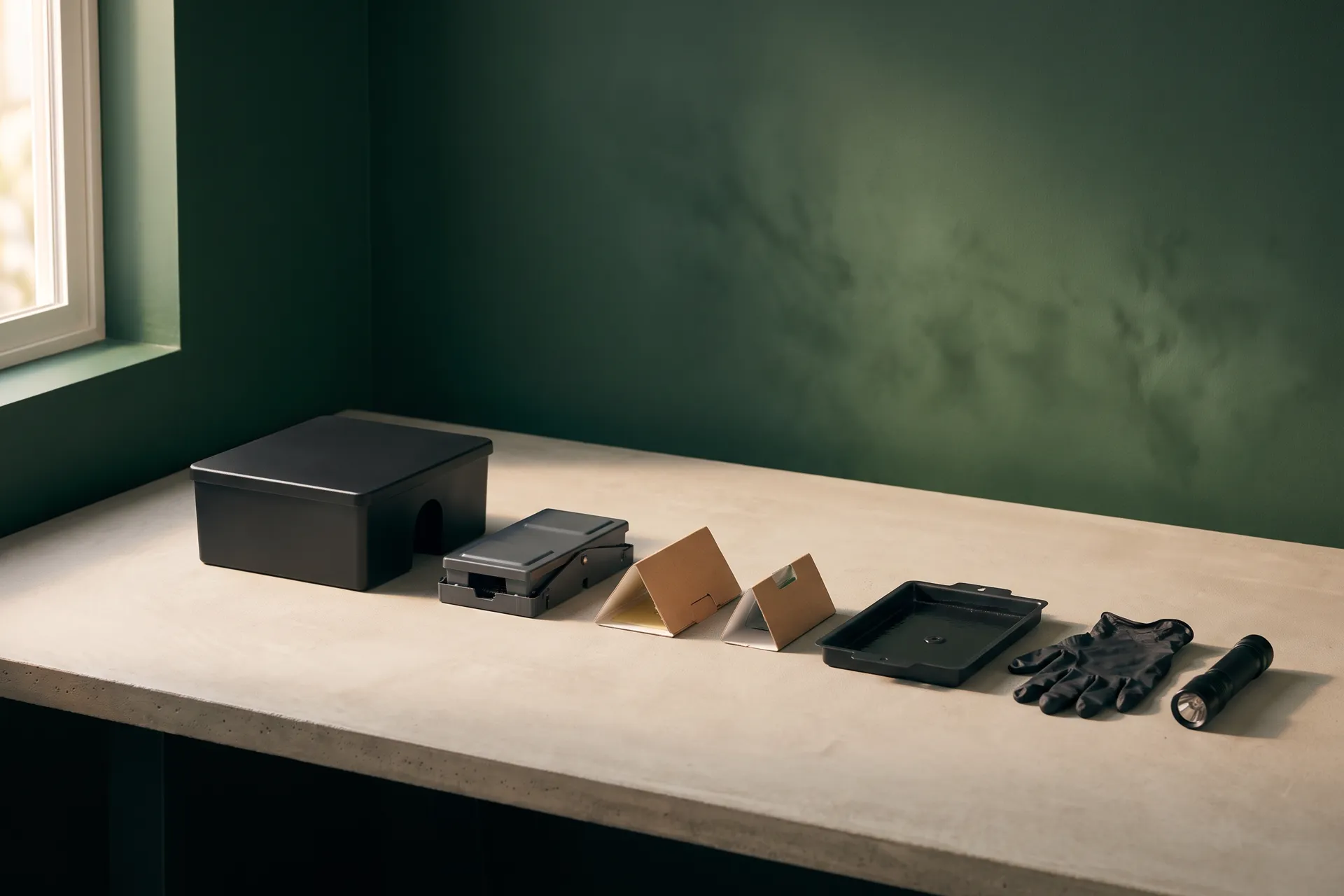
The devices a commercial program runs on
- 01
Bait stations
Tamper-resistant stations along the exterior perimeter and the fence line, each with its place on the map.
- 02
Mechanical traps
Multi-catch and snap traps inside: dock doors, dry storage, the walls of the production hall.
- 03
Monitors and glue boards
Pheromone monitors for stored-product insects and glue boards where a trap can’t go.
- 04
Insect light traps
Wall-mounted fly lights whose boards are read and changed on their own schedule.
The inspection round
Scan, check, log, next. The record writes itself as the round is walked.
One Tuesday-morning round at the bakery plant, device by device. Each step is something your technician does with gloves on; each one adds a line to the inspection record.
- Start the roundThe plant opens with its areas, its devices and what last month’s round left open — nothing to rebuild from memory.
- Scan the deviceA QR scan at the trap opens LD-03’s own record in place: loading dock, multi-catch trap, last checked four weeks ago.
- Check and logStatus active, activity none. One tap and the round moves on to the next station on the route.
- A reading worth a photoDS-02 in dry storage reads moderate for stored-product moths. Pesvaro asks for a photo at moderate and above, and the finding is logged where it was found.
- Treatment and corrective actionThe lure is replaced and the treatment recorded with its method and target pest; then the corrective action goes to the client’s QA lead with a date to close it.
- A damaged stationEX-07 on the exterior perimeter is cracked. It is replaced on the spot, so the plant’s device network stays at spec.
- Close the roundSigned and closed. The inspection report is ready, and every line is already in the month’s IPM Audit Package.
Inspection · TuesdayLarkmoor Foods · Bakery plant
- Loading dock
- Dry storage
- Exterior perimeter
- LD-03 · Multi-catch trapActiveNone
- DS-02 · Pheromone monitorActiveModerate
- EX-07 · Bait stationDamaged → replacedNone
- StartedRound opened · 5 areas · 1 finding open from last month
- LD-03Scanned at the loading dock · status active
- LD-03Activity none · checked
- DS-02Activity moderate · stored-product moths · photo added
- TreatmentLure replaced · monitoring method · target: stored-product moths
- ActionRotate the flour stock in rack 3 · client QA lead · due Friday
- EX-07Cracked lid · station replaced · area at spec
Close roundInspection report ready
Illustration · invented client · sample data · activity is a level, never a count
Device spec
What the program says should be there, against what is.
You set each facility’s spec once: how many stations, traps, monitors and fly lights each area should carry. Pesvaro is built to count the actual network from each device’s own status, so a missing monitor shows the area below spec before an auditor walks it.
Bakery plant · device specOne area below spec
DS-04 is marked missing. Dry storage is one monitor below spec until it is replaced.
Illustration · invented client · sample data
Findings, followed to closed
A finding isn’t done when it’s written down.
The most common gap in a pest file is a finding with no follow-up. Pesvaro is built to hold every finding open, with an owner and a due date, until a follow-up inspection closes it on evidence.
- Findings by pest type, activity level and area, with evidence photos
- A corrective action with an owner: your team or your client’s
- Closed only at a follow-up inspection, with what was seen

Finding · dry storageStored-product moths, rack 3
- LoggedTuesday · DS-02 at moderate · photo
- Corrective actionRotate flour stock · client QA lead · due Friday
- Follow-upFriday · DS-02 at low
- ClosedNext round · DS-02 at none · evidence photo
Illustration · invented client · sample data
Activity against the threshold
A trend your client can read, against a threshold you set.
Every inspection logs a level for every device and area. Pesvaro is built to draw them as a trend against the threshold you set for each area of each facility — so a rise shows early, and the record shows what you did about it.
Every account at a glance
Each facility shows the highest open level from its last round, so you know where to look first.
- Larkmoor · Bakery plantModerate
- Larkmoor · Distribution centerLow
- Harbor Row HotelNone
- St. Aldric Hospital · kitchensNone
- Calloway Cold StoreLow
- Ferrand Bistro groupNone
Dry storage · activity by inspectionThreshold set for this area: moderate
Corrective action
Illustration · invented client · sample data · levels, never counts; thresholds are yours to set
The IPM Audit Package
The file your client hands its auditor, compiled from what was done.
When your client’s AIB, SQF or BRCGS audit is booked, the file is already there: the device map, every inspection report, findings and their corrective actions, treatment records, activity trends and photos, topped by a summary that you correct and approve before it leaves your hands.
Larkmoor Foods · Bakery plantOctober · prepared for the client’s audit file

- 4 of 4Inspection rounds
- All but oneDevices at spec
- 2 of 2Findings closed
- 3Treatments recorded
- Device map
- Inspection reports
- Findings and corrective actions
- Treatment records
- Activity trends
- Evidence photos
- Scope of service and credentials
Summary Edited by you
All four scheduled rounds were completed. Activity stayed below the threshold in every area except dry storage, where stored-product moths reached moderate at rack 3; the flour stock was rotated and activity returned to none by the next round. DS-04 will be replaced on the next round.
Audit packages compile your documented activity in formats commonly requested by auditors. Pesvaro does not certify audit compliance.
Illustration · invented client · sample data
- Your client receives it only when you send it — when they ask, at will, or to a schedule you set
- Under your company’s name, emailed as a PDF or shared as a web link
- Built from the inspections themselves, not typed up after the fact
The rest of Pesvaro, on the same record
Scheduling, proposals and invoices, for the same facilities.
The rounds above are scheduled, quoted and invoiced in the same place — so the record your client reads and the work you bill for never drift apart.
- Every facility’s rounds, on one calendarMonthly perimeters, fortnightly interiors, weekly fly lights in season, and the call-out that lands on a Thursday.See the calendar
- From the proposal to paidService Proposals your client approves online, Prevention Plans for the recurring program, invoices and the Work Record.See the journey
- The words, definedDevice map, activity level, corrective action, trend analysis — the terms an audit file is written in.Read the glossary
Questions
About stations, records and the audit file
Does Pesvaro make my client’s facility compliant?
No. Pesvaro keeps the record of the work you do — devices, inspections, findings, treatments, trends — and compiles it into a package in the formats auditors commonly ask for. The program, the treatments and the results stay yours and your client’s; Pesvaro does not certify audit compliance.
Are there built-in activity thresholds?
No numbers are built in. Activity is logged as a level — none, low, moderate, high or critical — and you set the threshold for each area of each facility, the way your program and your client’s risk assessment define it.
How does a technician open a device?
By scanning the QR tag on the device: its record opens in place, with its area, type, last check and photos. A device can also be picked from the facility’s map or list.
Can I record treatments properly?
Yes — as structured records rather than free text: the product, its active ingredient, the method, the target pest, the area and the applicator’s license number, tied to the device or area where it was applied.
Does the IPM Audit Package go to my client automatically?
Never by itself. You send it — when the client asks, at will, or to a schedule set for that client — under your company’s name, as an emailed PDF or a web link.
Is this available today?
Not yet. These are the features Pesvaro is built to launch with; each scene shown here uses an invented client and sample data. Founding access opens before launch.
Pesvaro keeps the record your client’s auditor reads. It does not certify audit compliance, and the program and its results stay yours.
Founding access
Bring your device networks onto one record.
Founding access is open to commercial pest control and IPM companies. Tell us about your accounts, and help shape the device map, the inspection round and the IPM Audit Package before launch.
Launching with a 14-day free trial. No card needed.